
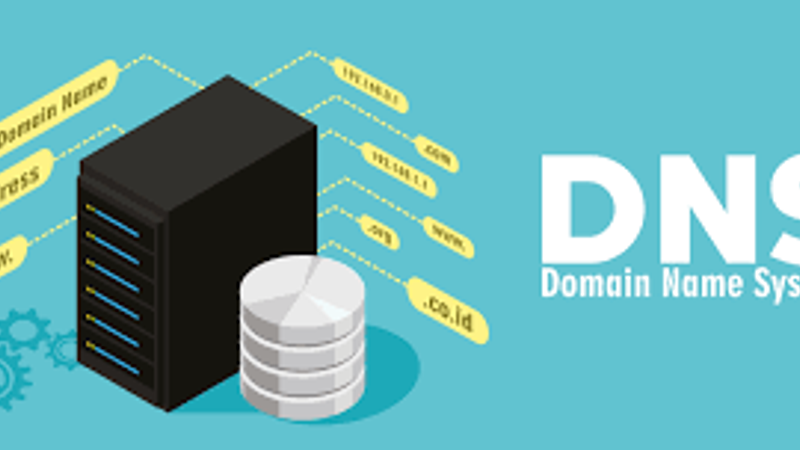
The Domain Name System (DNS) is a critical component of the internet that enables human-readable domain names to be translated into IP addresses, allowing computers to locate and communicate with each other. This guide will walk you through the basics of how DNS works.
1. DNS Basics
DNS operates as a distributed hierarchical system consisting of various components:
-
Root Servers: These servers contain information about the top-level domains like .com, .org, and .net.
-
Top-Level Domains (TLDs): These are the next level domains that include information about specific domain extensions (e.g., .com, .org).
-
Authoritative Name Servers: These servers store DNS records for individual domain names.
-
Resolving Name Servers: These are the servers that your computer or network use to look up domain names.
2. DNS Resolution Process
When you enter a domain name in your web browser, the DNS resolution process begins:
-
Local DNS Cache: Your computer first checks its local DNS cache to see if the domain’s IP address is already stored.
-
Recursive Query: If not found in the cache, your computer sends a recursive query to the nearest resolving name server.
-
Root Server Query: If the resolving name server doesn’t have the IP address, it queries a root server to find the authoritative name server responsible for the top-level domain.
-
TLD Server Query: The root server directs the resolving name server to the TLD server responsible for the domain extension.
-
Authoritative Name Server Query: The TLD server provides the IP address of the authoritative name server for the specific domain.
-
Final Query: The resolving name server queries the authoritative name server, which provides the IP address for the requested domain.
-
Cache Update: The resolving name server caches the IP address, and your computer also stores the address in its local DNS cache for faster future access.
3. DNS Records
DNS records contain various types of information associated with a domain, including:
-
A Record: Maps a domain name to an IPv4 address.
-
AAAA Record: Maps a domain name to an IPv6 address.
-
CNAME Record: Creates an alias for another domain name.
-
MX Record: Specifies mail servers responsible for receiving emails for the domain.
4. DNS Propagation
When changes are made to DNS records, such as updating IP addresses or nameservers, the changes need to propagate across the internet. This process can take some time, ranging from a few minutes to 48 hours.
Conclusion
The Domain Name System plays a vital role in translating human-readable domain names into IP addresses that computers can understand. Understanding how DNS works is essential for anyone interacting with the internet, whether you’re a casual user or a web developer.
For more in-depth information, consider exploring DNS protocols and advanced configurations.
Comments

About Blake Maxwell